PixZels

Stop drawing every angle. Start creating.
As pixel artists, we know the struggle: you’ve designed a perfect character or object, but now you need 8-direction or 16-direction rotations. Manually calculating isometric projections and top-down views takes hours of repetitive work.
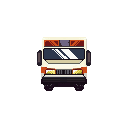
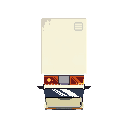
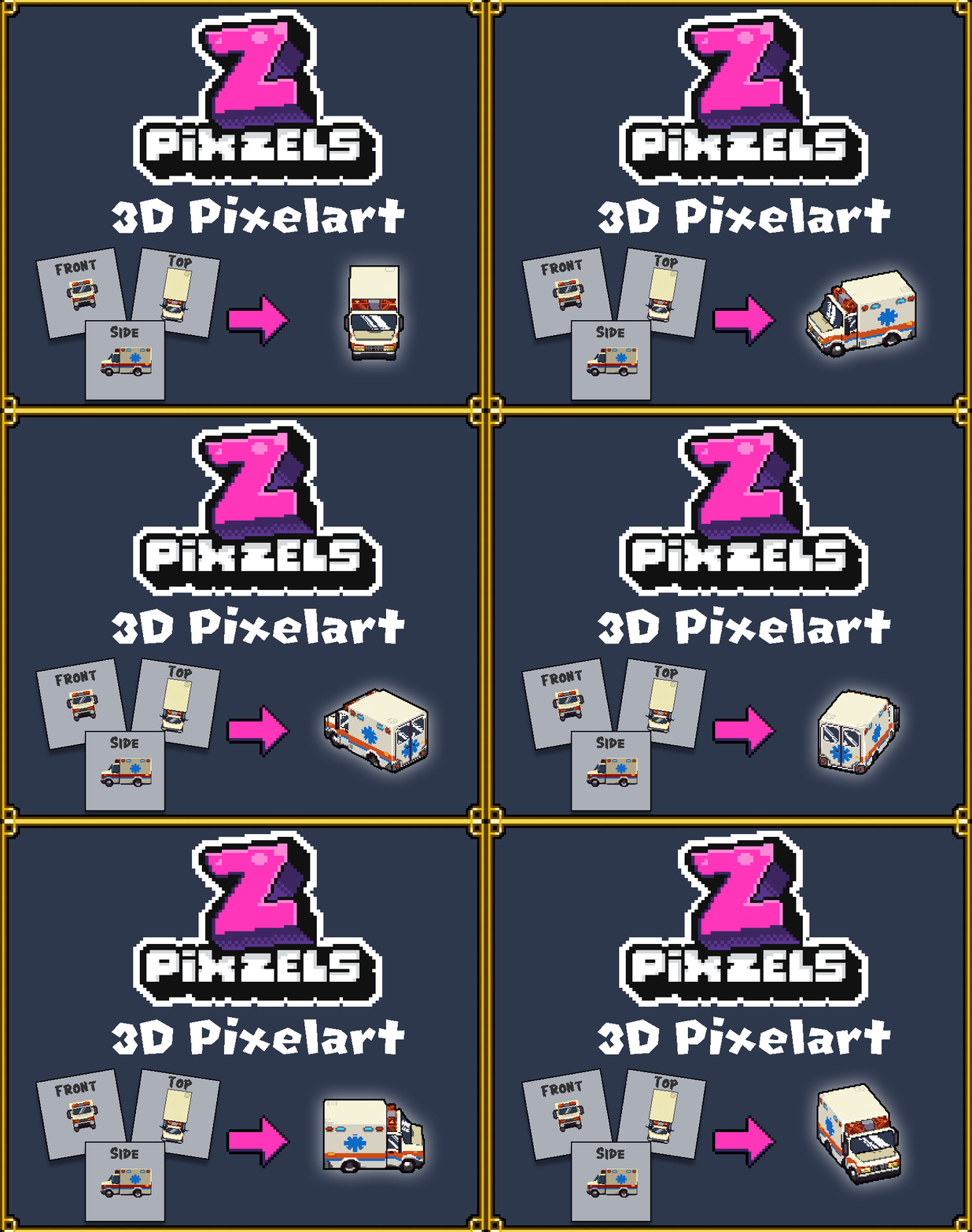
PixZels changes the game, a massive productivity booster for pixel artists in a small app. By using just 1, 2, or 3 orthographic images (Front, Side, and Top), this engine app generates a precise 3D pixelated model that delivers a large amount of professional, pixel-perfect sprites in seconds.


- 2D to 3D Magic: Illustrate your art in the app or upload your basic views from your favourite pixelart program and let the app build a 3D pixel-form model instantly.
- Full control over painting the model from any point of view.
- Complete Rotation Control: The app automatically calculates all complex projections, ensuring consistent volume and perspective.
- Refine & Polish: Use the internal editor to add fine details and "pixel-perfect" finishing touches to your generated model.
- Add outline (any needed colour).
- Add lighting and shadow at any desired angle.
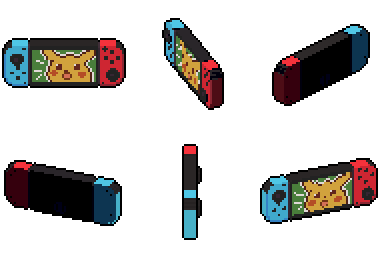
- Instant PNG Export: High-speed delivery of your assets, ready to be dropped into Unity, Godot, or GameMaker using power-of-2 sprites as an outcome. "Snapshot at any angle", "orthographic views" or "8 & 16-Isometric Top-Down". Generate full sprite sheets for top-down and isometric games with a single click.

- Input: Load your Front, Side, and Top views (or draw them directly in-app).
- Generate: Watch the app project your art into a 3D pixelated space and adjust any details (add colours, add geometry, add outline, add lighting).
- Export: Choose your desired sprite sheet and hit "Export."

No more time-consuming on getting right the projections, no more perspective "guessing." Just pure, efficient art. This gives the freedom to the artist to add the needed detail at any angle desired.

Interpolate your pixelart projections:
Customise your creations with full pixel control.
Pixelart Pencil tools:
More precise control with selecion mode:
Move-Copy Operations:

A pixel art tool for Pixelartist.
Efficiency shouldn't come at the cost of style. As a pixel artist myself, passionate about isometric art (https://pixel-salvaje.itch.io/), I know that Pixzels is designed specifically for pixel artists who demand precision. It preserves the "SOUL" of your original 2D art while handling the math of the third dimension for you.
Save days of production time on every project and focus on what you do best: creating.
Try the web version and upload images (Demo_Upload_Test.zip) for testing and see the magic happens:

The stand-alone paid version includes:
-Full export features: Snap-Shot at any desired angle, 8-Directions Top-Down, 16 Directions Top-Down, Orthogonal views (Orthogonal images can be used to reimport back into Pixzles app and continue building ).
-Windows and Mac versions.
-No internet connection required to work. Install and enjoy.
-Save and Load your 3d pixelart model for future adjustments.
Looking forward to see your creations ❤️.
Enjoy Game Dev time!
(This app is v001 and it is currently on hard developement, at this time I´m working on improving the overall experience and planning new features. Please share your feedback that is super importnt for me... and thanks for your support).
Special Thanks to @Shadowregister Dev.
Thanks to Keeny Assets @kenney.nl
@Pixel_Salvaje 

Purchase
In order to download this PixZels you must purchase it at or above the minimum price of $8 USD. You will get access to the following files:
Download demo
Development log
- PixZels 3d Pixelart9 hours ago
Comments
Log in with itch.io to leave a comment.
This is amazing, how does it work? Is it an AI thing or did you build it from scratch?
Please add UI Scaling options since the font can appear really small and the ability to get out of full screen :)
Big fan of your work and can't wait to try this tool out!